
When a user blocks you on Facebook, their profile disappears from your view. The platform does not send you any notification, no direct hint. You simply notice an absence: a name that no longer appears in the search bar, a Messenger conversation that has become inactive, comments evaporated under your posts. The temptation to bypass this digital wall is understandable, but the real possibilities are much more limited than what some online guides promise.
Locked profile or Facebook blocking: the frequent confusion in 2024
Before trying to view the profile of someone who has blocked you, you must rule out a hypothesis that many overlook. Facebook has offered a profile locking feature for a few years now that significantly restricts account visibility for non-friends.
A locked profile displays a reduced photo, a few elements from the “About” section, and an explicit mention of protection. For an unknowing user, a locked profile looks like a profile that has blocked you. The difference: the locked profile can still be found in the search bar. If you type the person’s name and nothing appears, the lock is not the issue.
Another common scenario: temporary account deactivation. A user who deactivates their Facebook profile disappears from search, Messenger, and comments. All the symptoms of a block, without any intention to exclude you. To clarify the situation, there are detailed guides explaining how to view the profile of someone who has blocked us on Facebook and distinguish these different cases.
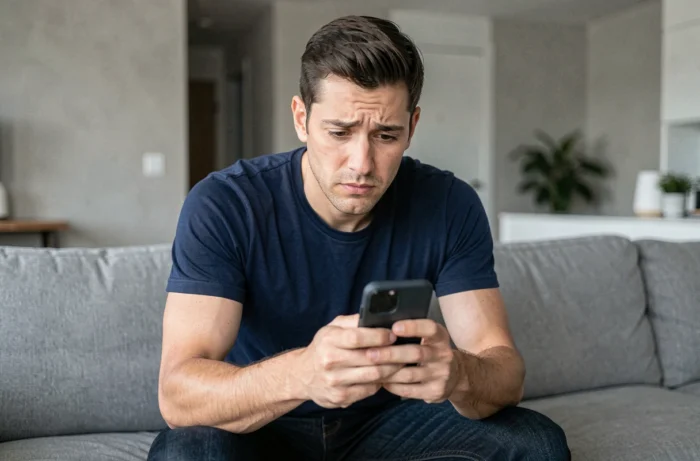
What Facebook really blocks when someone excludes you
Blocking on Facebook is a bilateral measure. The person who blocks and the one who is blocked both lose access to each other’s profiles. In practical terms, blocking removes almost all possible interactions on the platform.
However, some elements remain visible according to Facebook’s official documentation:
- The history of messages exchanged before the block remains accessible in your Messenger inbox, although you can no longer send new messages.
- If the blocked person is identified in a photo of a mutual friend, that photo may appear in your feed via that friend’s profile.
- The groups created by the blocked person or to which they belong remain visible, even if their individual posts in those groups no longer display for you.
Blocking does not delete content shared before the measure. It cuts the direct link between the two accounts, but indirect traces persist through the network of mutual friends.
Verification test via another Facebook account
The most reliable method to confirm a block remains cross-checking from a second account. If you search for the person’s name from another Facebook profile (that of a close friend, for example) and the account appears normally, then the block specifically targets your account.
This approach also helps distinguish a block from an account deletion. If the profile is untraceable from any account, the person has likely deactivated or deleted their profile.
The limits of this method
Asking someone else to search for a profile for you raises a question of personal boundaries. The person has chosen to cut contact. The cross-check confirms the situation, but it does not grant access to the blocked profile’s content.
Some users create a second account to verify for themselves. Facebook explicitly prohibits holding multiple personal accounts in its terms of use. A detected secondary account can lead to the suspension of both profiles.
Third-party extensions and tools: promises and real risks
A quick search brings up browser extensions and applications that claim to reveal blocked profiles, display visitors to your page, or bypass privacy restrictions. None of these tools work as advertised.
Facebook does not provide a public API to access blocking data. No extension can technically bypass a Facebook block. Blocking data is stored server-side, out of reach of a script running in your browser.
The risks associated with these tools are real:
- Collection of your Facebook credentials by malicious applications that request a login to your account.
- Installation of ad trackers or spyware under the guise of a “free” extension.
- Violation of Facebook’s terms of use, which can lead to the suspension of your own account.
Extensions like “profile viewer” or “unblock tool” exploit the frustration of blocked users. They have never worked and will not work as long as Facebook’s architecture remains what it is.

Messenger as an indirect indicator of blocking
Messenger offers a clue often more telling than profile search. When someone blocks you on Facebook, your Messenger conversation with them changes appearance. The contact’s name may appear in a generic form (“Facebook User”), and any attempt to send a message fails.
However, a block limited to Messenger alone does not mean a block on Facebook. The two functions are separate. A person can block your messages without blocking your access to their profile, and vice versa. If the profile remains visible in search but Messenger is silent, you are facing a partial block, limited to messaging.
This distinction between complete Facebook blocking and partial Messenger blocking is rarely detailed, yet it completely changes the diagnosis.
Blocking on Facebook remains a unilateral decision that the platform deliberately protects. Verification methods exist, but they confirm a situation without resolving it. No technical tool allows you to force access to a profile that has excluded you, and attempts to bypass expose more the seeker than the one who has blocked.