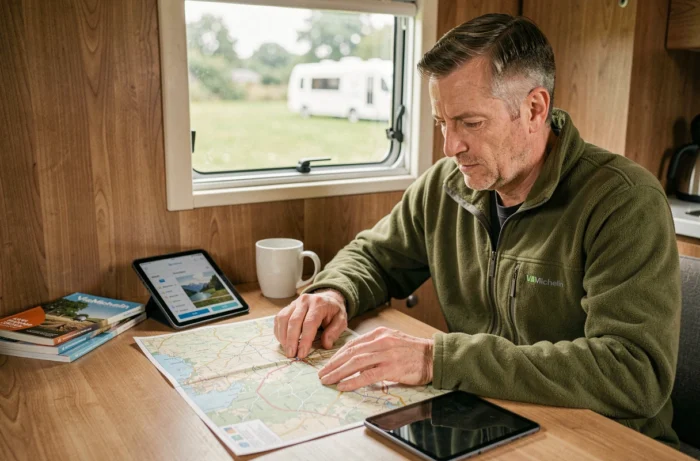
ViaMichelin integrates a caravan parameter that modifies the route calculation well beyond just changing the average speed. The withCaravan filter, visible in the request URL, adjusts the selection of segments based on size and weight constraints. Ignoring this setting means planning a standard car trip, with the routing errors that this implies on steep sections or in city centers with heavy vehicle restrictions.
withCaravan Parameter in ViaMichelin: What the Filter Technically Modifies
When you activate the “car with caravan” option in the route form, ViaMichelin switches the withCaravan=true parameter in the request. This change affects three layers of the calculation: the exclusion of certain routes prohibited for trailers, the recalibration of travel times, and the adjustment of fuel consumption.
The calculation engine does not simply apply a uniform slowdown coefficient. It weighs each road segment according to its slope, width, and local restrictions. Narrow alpine passes or crossings through towns with weight limits are reclassified, which sometimes radically changes the route proposed compared to the car-only mode.
We recommend checking that the filter is active before validating a trip. On the web version, simply check the URL: the presence of withCaravan=false indicates that caravan mode is not activated, even if you think you have turned it on. On the mobile app, the setting can be found in the vehicle options, to be configured before entering the addresses.
Calculating a caravan route with ViaMichelin ahead of departure allows you to anticipate problematic segments rather than discovering them while driving, with the GPS recalculating repeatedly on an unsuitable road.
Stops and Gas Stations: Organizing Breaks on a Caravan Trip
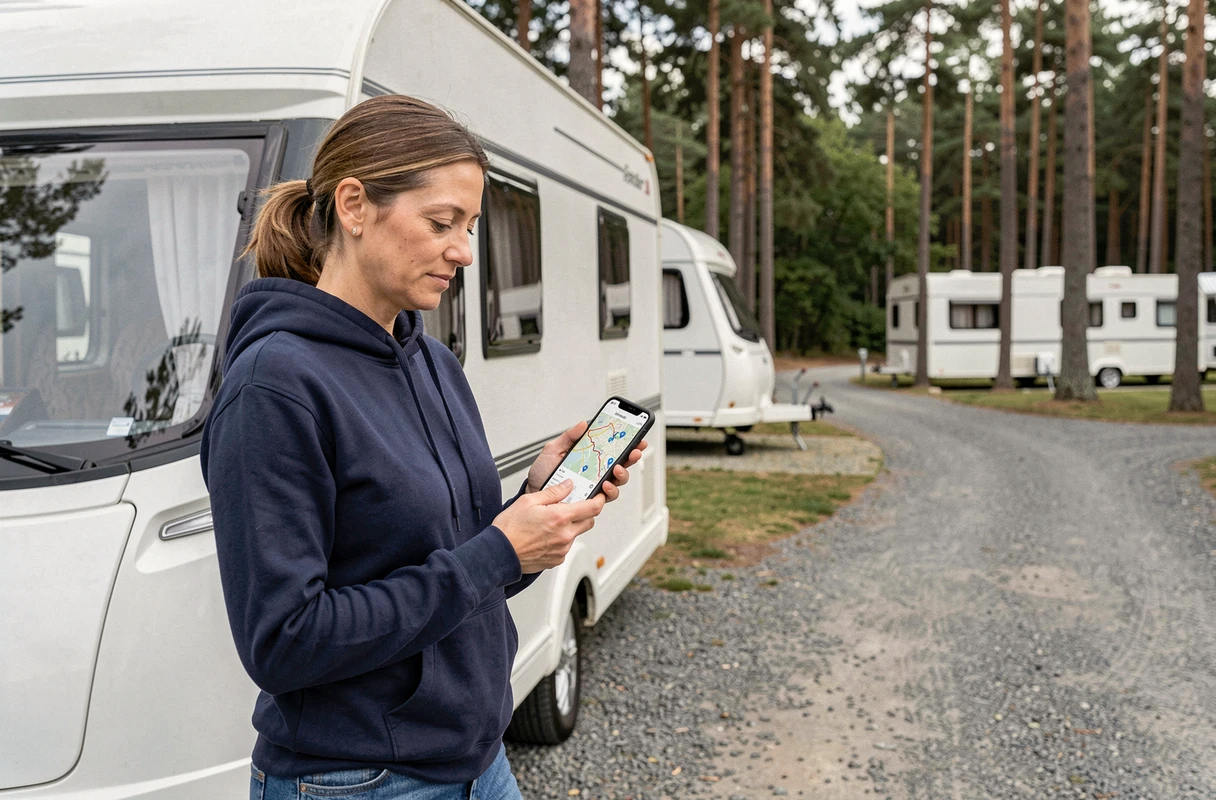
Planning stops is where ViaMichelin stands out from a basic GPS. The tool allows you to manually add waypoints, but it also displays gas stations along the route, which changes the logic of segmenting for a trailer.
Towing a caravan significantly increases fuel consumption. On the highway, the excess consumption related to the aerodynamic drag of the trailer requires more frequent fuel stops than when driving a car alone. Spotting gas stations directly on the ViaMichelin map prevents you from deviating from the optimized route to search for a refueling point compatible with a long trailer.
Criteria for Effectively Placing Your Stops
- Prefer service areas indicated by ViaMichelin rather than stations in city centers, which are often inaccessible with a caravan size (turning radius, awning height).
- Space your stops so that you never drop below a quarter tank, especially on sections without stations on highways in rural areas.
- Use the “add a stop” function to force the route to pass through a spotted area, rather than relying on real-time recalculation that may direct you to an unsuitable access point.
ViaMichelin offers three types of routes (fast, economical, scenic). In caravan mode, the economical route avoids toll highways as much as possible, which reduces the budget but lengthens the travel time. The scenic route highlights picturesque secondary roads. We observe that this last mode sometimes generates passages on narrow departmental roads where meeting a vehicle with a wide trailer becomes tricky.
Tolls and Caravan Trip Costs on ViaMichelin
ViaMichelin provides a detailed estimate of the cost of each trip, including tolls, fuel, and wear. For a trailer, the toll category changes: a car towing a caravan moves to class 2 on most French highways, which increases the rate compared to a solo vehicle.
The tool automatically recalculates the toll amount when caravan mode is activated. If you find that the displayed cost corresponds to class 1 rates, it means the withCaravan filter is not active. Check the parameter in the URL or vehicle settings.
Comparing Options to Reduce Toll Costs
The comparison between the fast route and the economical route makes perfect sense on long north-south trips. ViaMichelin displays the cost differential between the two options. On a Paris-Mediterranean trip, taking national and departmental roads can represent substantial savings in tolls, at the cost of a few extra hours.
Don’t forget to provide the make of your towing vehicle, its actual consumption, and the type of fuel. This data personalizes the calculation and avoids generic estimates that systematically underestimate the real cost of a trip with a trailer.
Caravan Navigation: ViaMichelin Mobile App and 3D Map
The ViaMichelin mobile app offers a navigation mode with real-time 3D map, a feature that competing guides rarely mention. For a trailer driver, the 3D view makes it easier to anticipate tight turns and lane changes on highway interchanges.
The geographical coverage of ViaMichelin extends across all of Europe for route calculations, making it a suitable tool for cross-border caravan trips. The traffic restrictions specific to each country (speed limits for trailers, Sunday driving bans in Germany for certain categories) are not all automatically integrated. We recommend cross-referencing ViaMichelin information with local regulations of the country being traversed.
- On iOS and Android, sync your planned route on the web with the mobile app to find your stops and stations without re-entering.
- Activate real-time traffic alerts: a traffic jam on the highway with a towed caravan is much harder to navigate than in a car alone.
- Download offline maps of the areas crossed, especially in mountainous regions or areas with low network coverage.
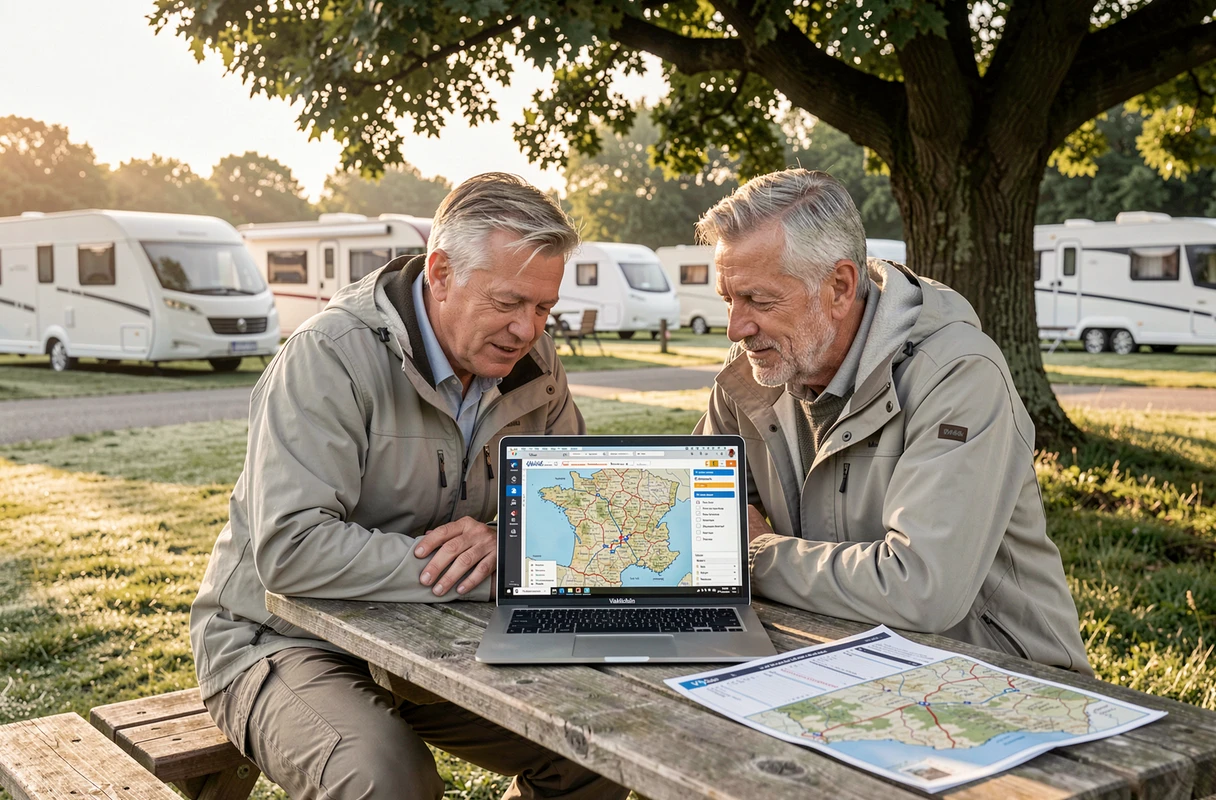
The combination of the website (for detailed planning) and the mobile app (for active navigation) forms a coherent workflow. Preparing the route on a large screen, adjusting the stops, checking the caravan parameter, and then switching to the smartphone at departure: this sequence remains the most reliable method for a trip without unpleasant surprises with a trailer.